bottom
bottom (btm) replaces top with a full graphical terminal UI built
around resizable, configurable widgets. At a glance you get CPU usage
(overall and per-core), RAM and swap, network I/O, disk capacity,
temperature sensors, and a process list — all updating live and laid out
in a customizable grid.
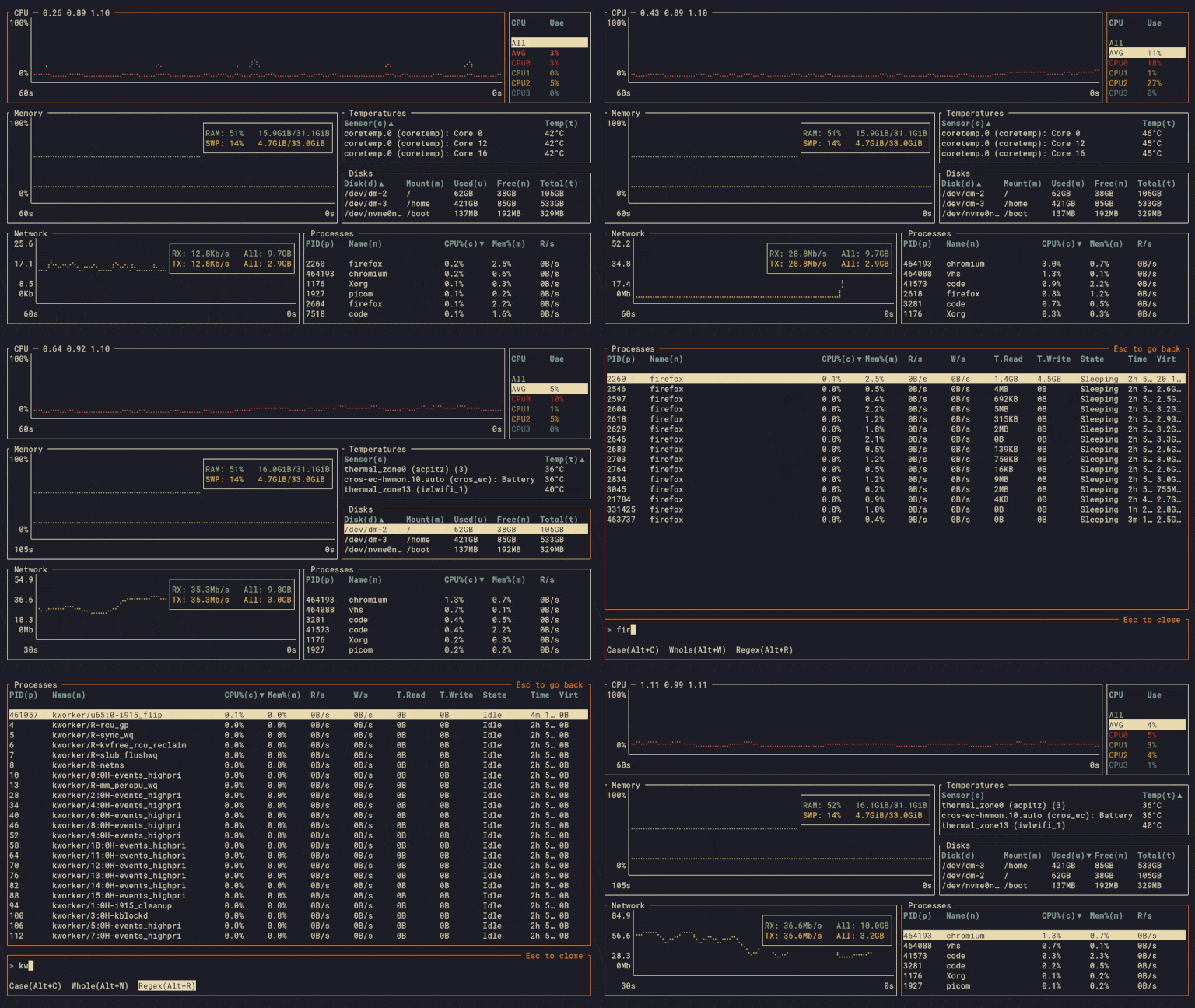
The process table supports searching by name or regex, sorting by any column, tree view for parent/child relationships, and sending signals directly from the UI. Individual widgets can be expanded to fill the whole screen for a closer look.
bottom is extensively themeable: colors, borders, widget layout, and default behaviors are all configurable via a TOML file. It runs on Linux, macOS, and Windows.
Basic usage
btm                  # Launch bottom.
btm -h               # Show quick help.
btm --help           # Show detailed help.
Press ? inside bottom to view all key and mouse bindings.