dog
Project: https://github.com/ogham/dog
Author: Benjamin Sago
Alternative to: dig
Language: Rust
This page last updated: 2026-03-30
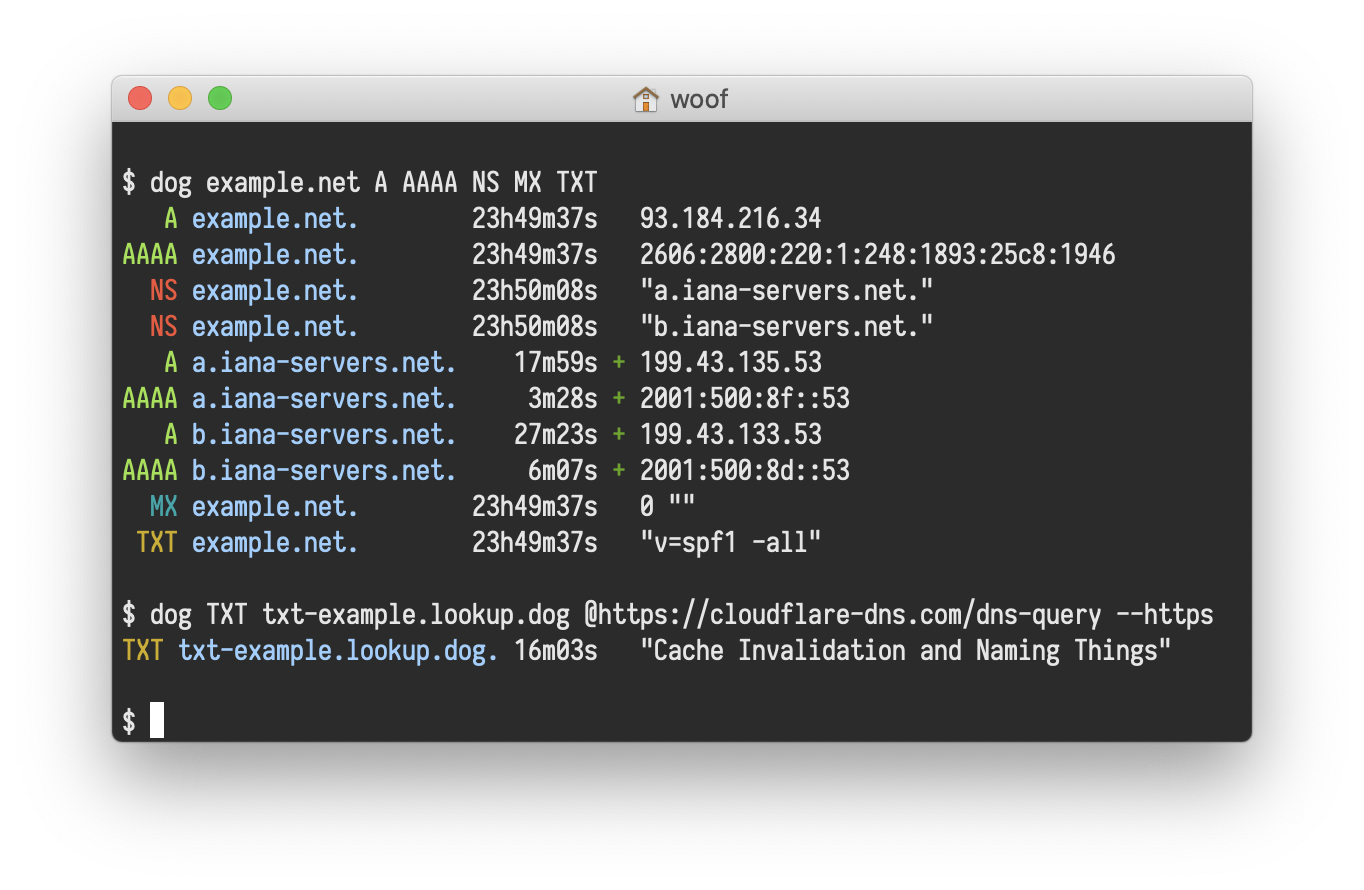
dog is a command-line DNS client that brings modern features and usability to DNS querying. Like dig, it allows
you to query DNS records, but with a focus on user experience, colored output, and support for modern DNS protocols.
The tool supports multiple DNS query types (A, MX, NS, SOA, TXT, and more) and offers flexible protocol options including standard UDP, TCP, DNS-over-TLS (DoT), and DNS-over-HTTPS (DoH). Query results can be formatted as JSON for easy parsing and integration with other tools.
dog provides response timing information and customizable output formatting including a concise "short mode" for simplified results.
Basic usage
# Query A records for a domain.
dog example.com

# Query specific record types.
dog example.com MX
dog example.com NS

# Use a custom nameserver.
dog example.com @8.8.8.8

# Output results as JSON.
dog example.com --json

# Use DNS-over-HTTPS.
dog example.com --https

# Use DNS-over-TLS.
dog example.com --tls